The Ultimate Apple Vision Pro Productivity Stack: 10 Spatial Computing Apps
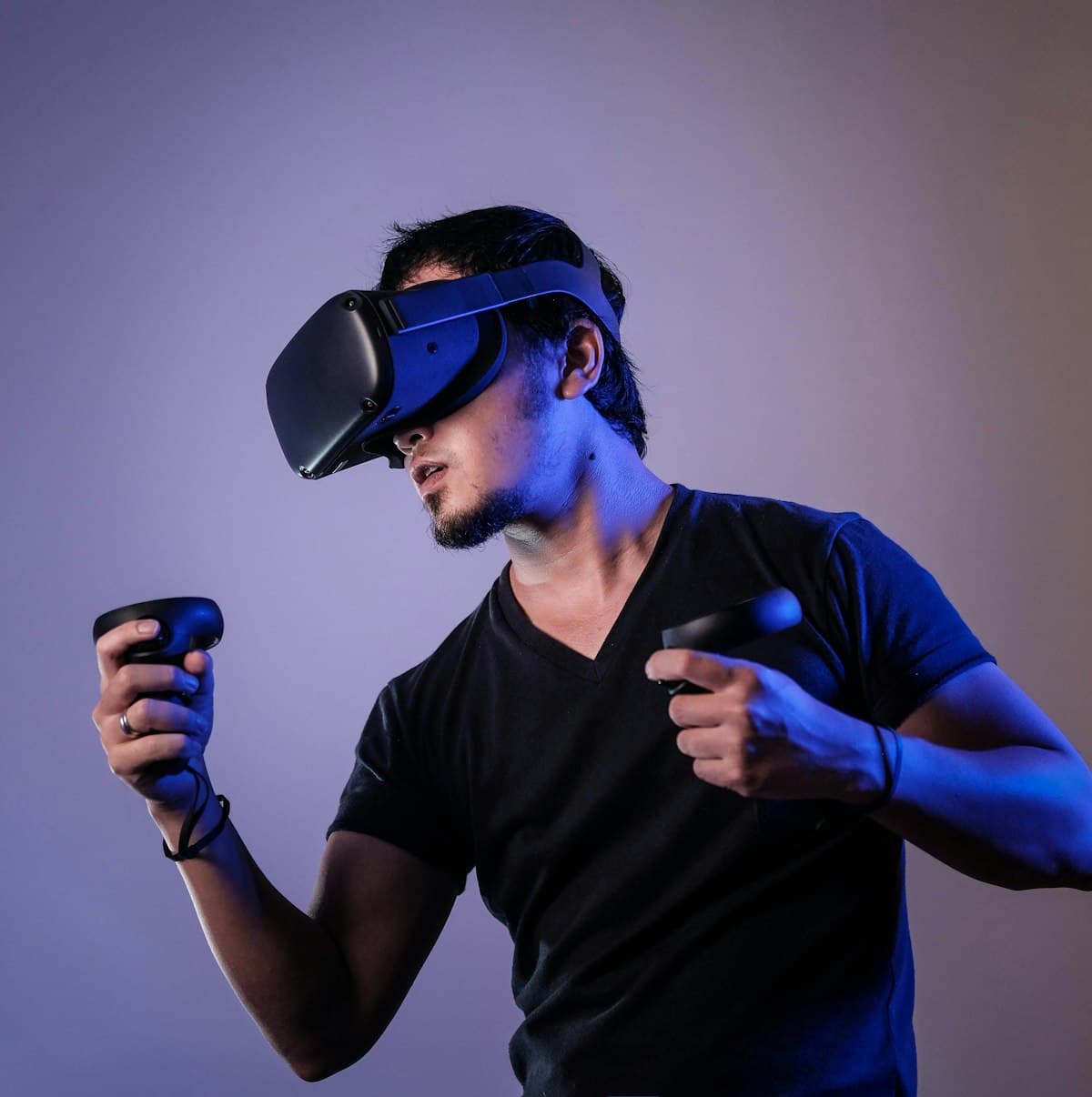
Apple Vision Pro transforms remote work when paired with Mac Virtual Display, Immersed, and Notion Spatial. Utilizing spatial window arrangements increases multi-tasking screen real estate by 300% over physical dual-monitor setups.
Spatial computing on visionOS has matured into a genuine productivity engine for knowledge workers, developers, and digital creators.
We tested 30 visionOS spatial applications to curate the 10 essential tools for building a high-focus spatial workspace.
Hardware Configuration
Essential Spatial App Stack
| App Name | Category | Key Benefit | Rating |
|---|---|---|---|
| Mac Virtual Display | System OS | Lag-free 4K ultra-wide Mac screen | 5.0 / 5.0 |
| Immersed Spatial | Virtual Workspaces | Multi-monitor virtual display streams | 4.8 / 5.0 |
| Notion visionOS | Knowledge Base | Spatial canvas note management | 4.7 / 5.0 |
| Things 3 for visionOS | Task Management | Floating spatial to-do widgets | 4.9 / 5.0 |
| Juno for YouTube | Video Research | 3D spatial video playback | 4.6 / 5.0 |
1. Mac Virtual Display: The Anchor Window
The core of any Vision Pro work setup is Mac Virtual Display. With visionOS 2+, you can expand your Mac screen into a curved 4K ultra-wide monitor that spans your entire desk visual field.
What Works Great (Pros)
- •Zero latency wireless connection with M-series Macbooks
- •Curved ultra-wide display equivalent to two 27-inch 4K monitors
- •Seamless mouse and trackpad handoff between Mac and spatial apps
Where It Falls Short (Cons)
- •Requires being in close physical proximity to your Mac
2. Spatial Window Arrangement Strategies
To maximize focus during deep work sessions: 1. Position your primary Mac Virtual Display centered in front of your desk. 2. Place Slack / Communication windows floating to your left side. 3. Position your Notion PKM and documentation windows to your right side.
Summary: Is Spatial Computing Worth It?
For professionals who travel frequently or need immense screen real estate without physical monitor clutter, the Apple Vision Pro spatial productivity stack delivers unmatched focus.
Read Next: Learn how to optimize your environment in our Deep Work Zero Notification Setup Guide.
Written by Maya Lin
Digital Economy & Monetization Strategist
Maya analyzes creator monetization frameworks, micro-SaaS economics, and digital product distribution. She previously led growth at a developer tooling startup that scaled to $4M ARR.